



Are you looking for the best productivity apps on Setapp to boost your Mac workflow? As a traditional Mac user, I’m constantly fine-tuning my digital workspace to cut through the daily clutter of tasks, files, and distractions. Setapp has become an indispensable tool in that quest.
A single subscription unlocks over 260 top-tier apps, letting you explore and integrate powerful software without the hassle of individual purchases. It’s truly a workflow changer for me.
After deeply integrating Setapp into my daily routine, I’ve hand-picked my absolute top 11 productivity apps on Setapp. These aren’t just random picks; they are the tools that have genuinely transformed how I work.
Planning & Task Management: Your Everyday Guide
It is essential to keep track of plans and tasks. These applications make sure nothing is overlooked.
1. Taskheat: Visual Flowcharts for To-Do Lists
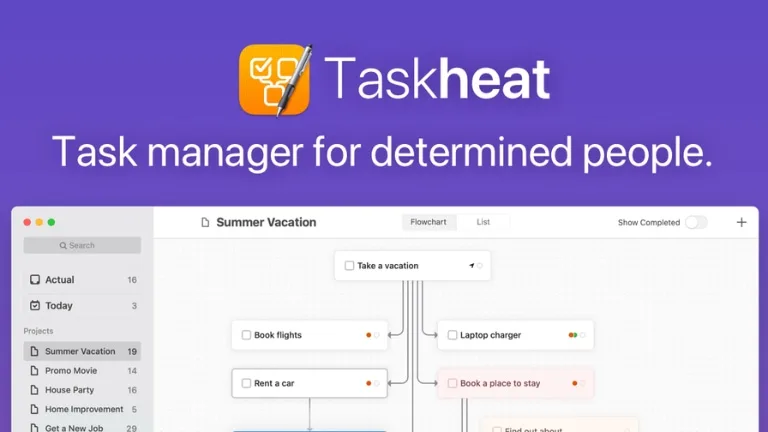
Ignore dull lists. I can see task dependencies and progress thanks to Taskheat’s special flowchart interface. It makes difficult tasks seem doable, and it’s very fulfilling to watch the flow. For visual thinkers looking for the top productivity apps on Setapp, this is a must.
2. NotePlan: A Daily Planner Powered by Markdown
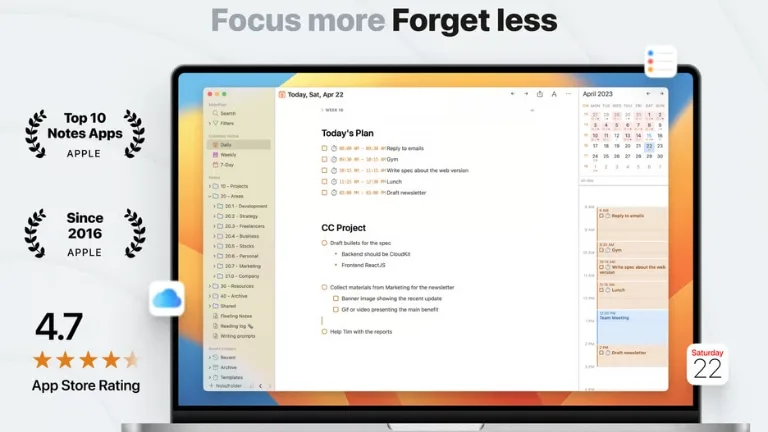
NotePlan creates a smooth daily dashboard by combining tasks, calendar events, and markdown notes. I quickly jot down my thoughts and connect them to my schedule as I begin each day. It guarantees that my notes are always actionable and are quick and lightweight. Unquestionably one of Setapp’s top productivity apps for everyday planning.
3. Session: Clear Insights, Concentrated Work
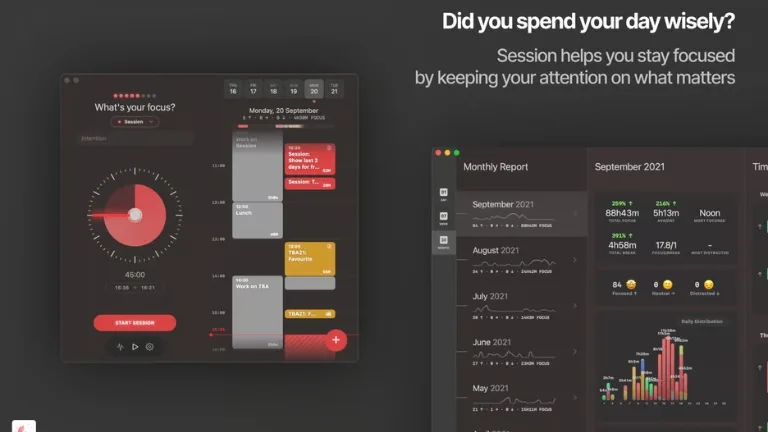
A session is more than just a Pomodoro timer. It gives me analytics on how I focus and integrate with my calendar. This helped me identify time sinks and truly optimize my deep work sessions. The session stands out for its serious focus.
Taking Notes and Thinking: Recording and Linking Concepts
Concepts are ephemeral. These tools solve in precisely capturing, organizing, and developing them.
4. Ulysses: The Haven for Distraction-Free Writing
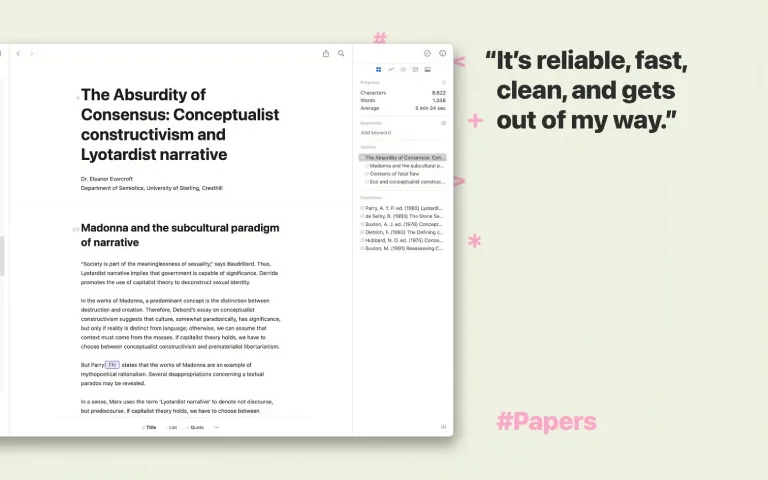
Ulysses is essential as a writer. Distractions are eliminated in this markdown-based environment, which provides strong organization and smooth export. For anyone who writes frequently, it is among the best productivity apps available on Setapp since it manages big projects with ease.
5. MindNode: Stunning Mind Mapping
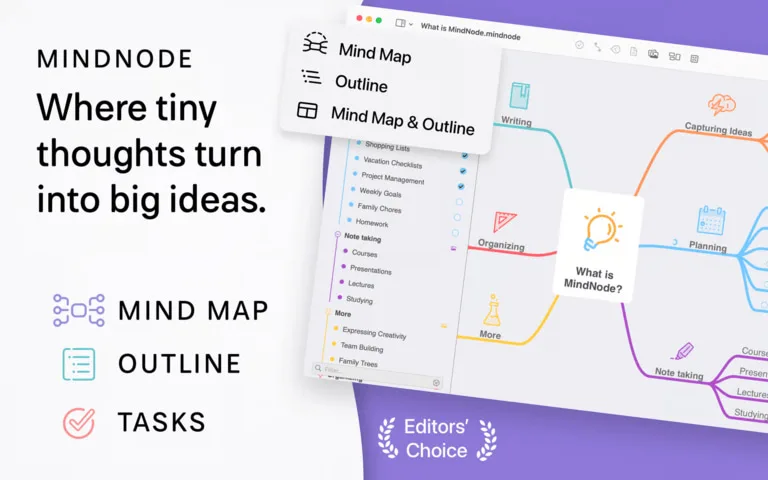
MindNode turns brainstorming into something closer to art. I can connect ideas, plan projects, and visually arrange my thoughts thanks to its user-friendly interface. It facilitates creative thinking and instantly simplifies difficult ideas.
6. MarginNote 3: Extensive Study & Education
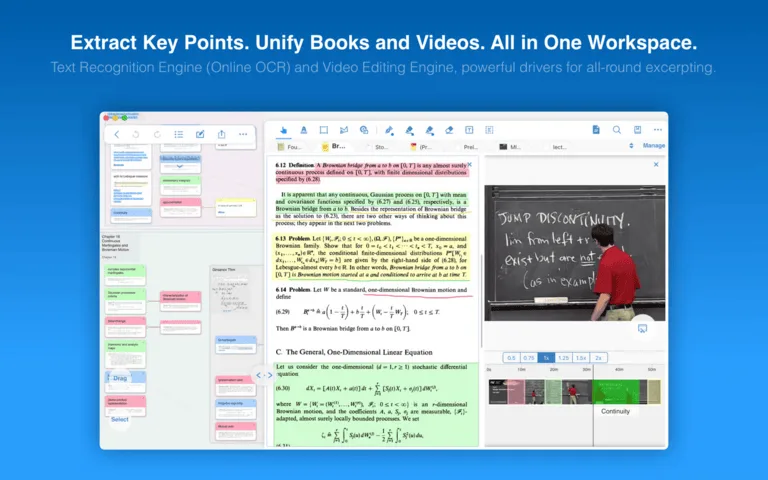
For researchers, this is a treasure. You can annotate PDFs and EPUBs with MarginNote 3, then extract and connect the notes to mind maps or outlines. It is excellent for synthesizing complex information because it turns passive reading into active learning.
Work Automation & Shortcuts: Getting More From Your Mac
When you can automate, why click repeatedly? These apps save numerous hours.
7. BetterTouchTool: The Superpower of Mac Customization
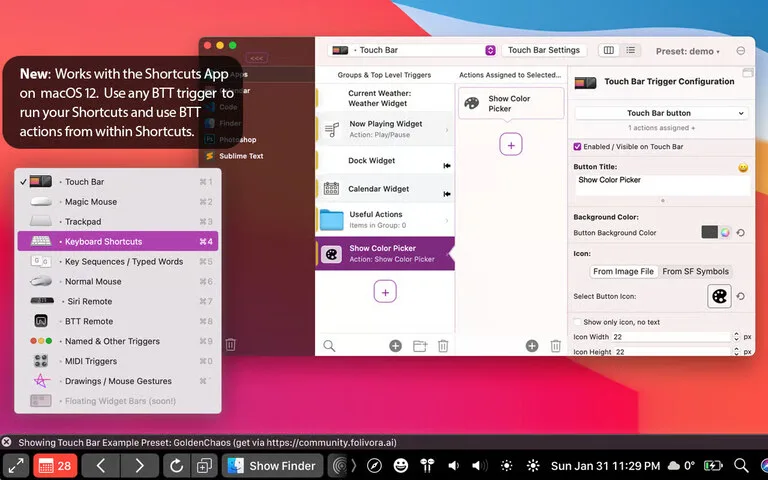
Trackpad, mouse, and Touch Bar gestures can be customized with BetterTouchTool (BTT). I adore its window management “snap areas”, dragging a window to a corner instantly resizes it. Your Mac becomes an extension of your mind as a result.
8. Timing: Automated Time Monitoring
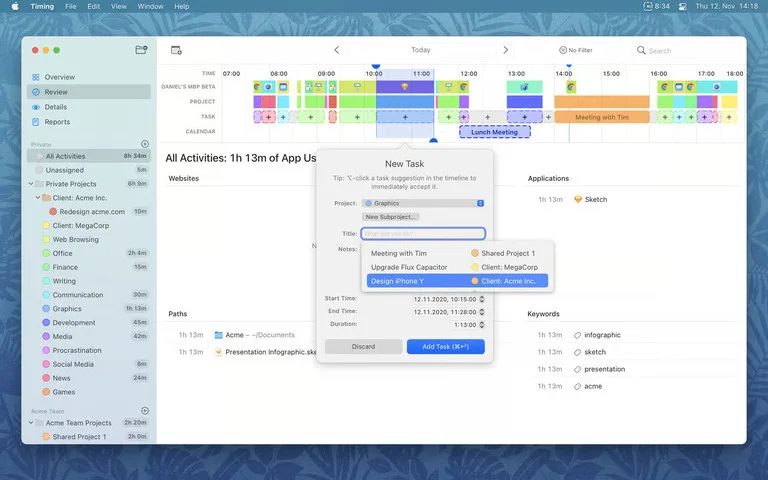
Timing cleverly groups activities while silently monitoring all of my app and website usage. It makes project billing and workday optimization a breeze by providing me with important insights into where my time is really going. No more speculating!
File and Clipboard Functions: A Simplified Digital Workspace
The secret to momentum is a tidy desktop and effective file management.
9. Paste: Unlimited History of Clipboard
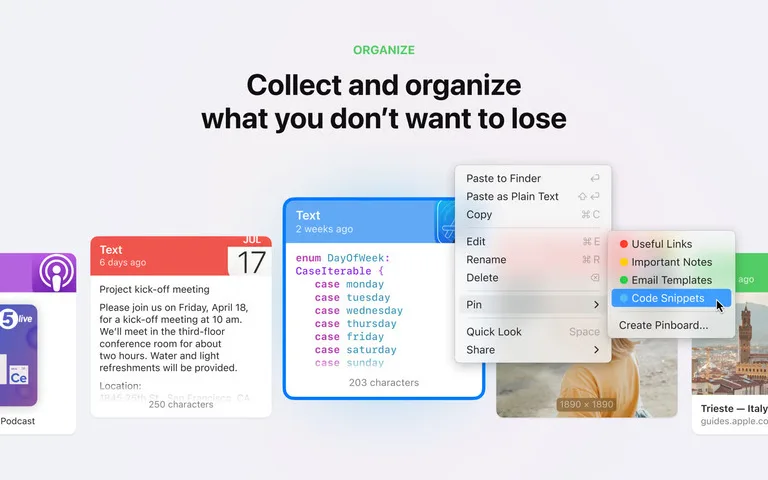
It is annoying when copied text is inadvertently overwritten. Everything you copy is saved by Paste and is immediately available. For frequently used snippets, its “Pinboards” feature earns its keep. You can’t take it back once you’ve used it!
10. Yoink: The Buffer That Drags and Drops
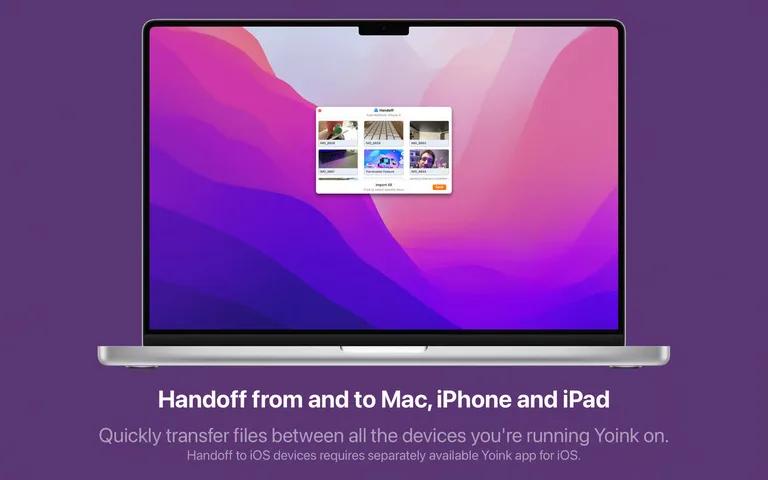
Yoink makes a makeshift “shelf” for drag-and-drop objects on your screen. It makes cross-app transfers incredibly smooth by removing friction when transferring text or files between apps. It improves workflow in a subtle yet effective way.
11. CleanShot X: Expert Recording & Screenshots

CleanShot X elevates screenshots of macOS. Screen captures, annotations, GIFs, and instant cloud uploads with shareable links are all handled by it. This is revolutionary for anyone who frequently records their screen for work or collaboration.
Final Thoughts
My top 11 best productivity apps on Setapp that have improved my Mac workflow. In one way or another, these tools all assist me in taking back time, lowering stress, and concentrating on the important things.
With Setapp, you can test out these high-end apps without having to make separate purchases. Get started and find your own set of apps if you’re serious about enhancing your Mac.
You might be surprised at how much more you are capable of. If you have not tried the bundle yet, our readers get a 30-day free Setapp trial instead of the standard seven days. Which Setapp apps are your favorites? Leave a comment below with your thoughts!

Leave a comment
Have something to say about this article? Add your comment and start the discussion.