


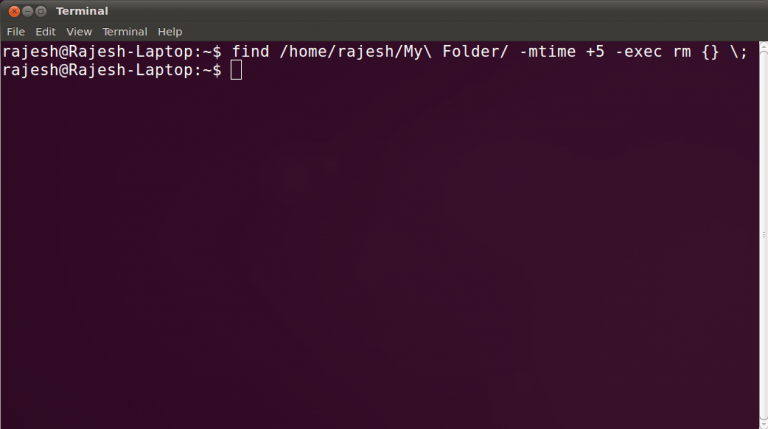

Today, we will show a way to you by which you can delete files which are older than ‘X’ days. Suppose you want to delete files older than 7 days then this article will help you to do that. The find utility permits you to pass in a couple of interesting arguments, including one to execute another command on each file. In order to figure out what files are older than a certain number of days, we’ll use this find utility and then use the rm command to delete them. The command syntax is as follows:
find /path/to/files* -mtime +5 -exec rm {} \;We’re not liable for any data loss that may occur. We recommended you to the list the files and check before deleting them, by running the following command:
find /path/to/files* -mtime +5 -exec ls {} \;Note: There are spaces between rm, {}, and \;
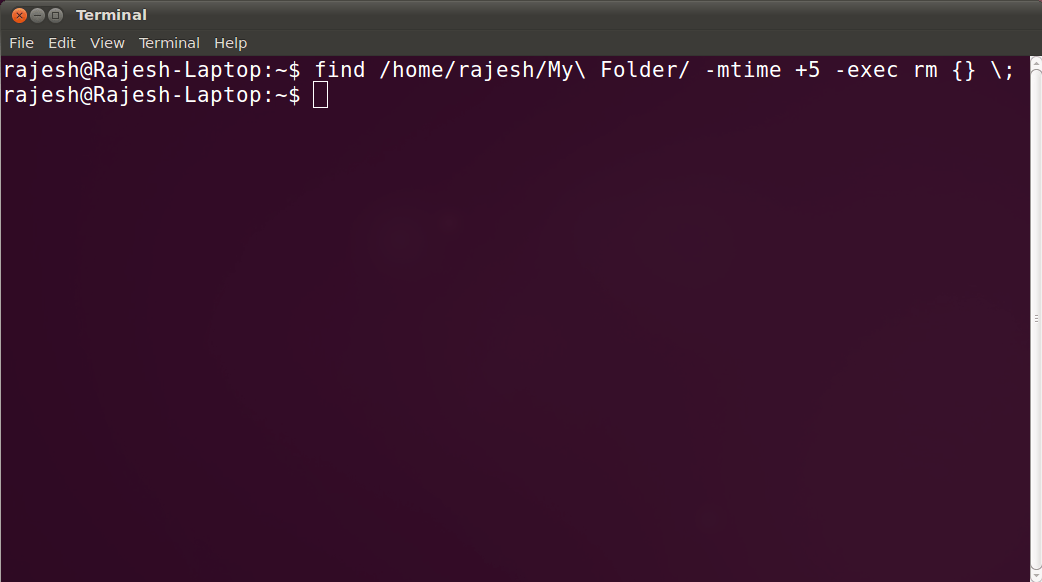
Command Explanation:
The first argument in the above command is the path to the files. The second argument is -mtime is used to specify how many days old the file is. If you enter +5, it will find files older than five days. The last argument is -exec allows you to pass in a command such as rm. The {} \; at the end is required to terminate the command.
This should work on almost all versions of Linux like Ubuntu, Fedora, Red Hat, Suse, etc. If you are facing any problem which seems quite impossible here then let us know in the comments below.

Suraj Salunkhe
I used this trick! Awesome trick! Thanks for sharing such a good trick :)
Amruta Patil
Ya I used this cammand during practice session of RHCE.
Ben
find ./* -mtime +5 -exec ls {} \; >> ./5DaysOldalias 5DayLs="find ./* -mtime +5 -exec ls {} \; >> ./5DaysOld"
Crufted something together out of your suggestion here. A method for making a plain text file listing of files five days old. Easier to keep a record for viewing prior to removing files. Users can then use cat, vi, vim, gedit, emacs to see what they may toss out.
find ./* -mtime +5 -exec ls {} \; >> ./5DaysOldBreaking it down ./ is the current directory. Find using a current directory often safer than using the / cannon. >> appends to a file, if it does not exist, it gets created.
Even thought it may useful as alias. Probably could / should port it to a shell script first. Being lazy though, late here.
Ben Piper
Thanks! I used this syntax in a cron job.
Vivian
The good tip to delete files older than certain days. However, if your argument list is long (I think the max is 65535 or something along those lines) this will not work.
I have a custom script that does the job:
#!/bin/bash
cd /directory-to-be-checked
allfiles=`ls`
NOW=`date +%s`
for filename in $allfiles
do
OLD=`stat -c %Z $filename`
if [ "$2" == "" ]
then
DELAY=86400
else
let "DELAY=$2 * 86400"
fi
AGE=`expr $NOW - $OLD`
#echo "Delay is $DELAY and Age is $AGE"
#exit 0
if [ $AGE -gt $DELAY ]
then
#echo "File $filename is $AGE"
fstamp=`ls -l $filename`
if [ "$1" == "DEL" ]
then
echo "Deleting file $filename"
`rm -f $filename`
else
echo "$fstamp"
fi
fi
Done.
Rajesh Namase
Thanks for giving the script.
Vivian
Your welcome Namase.
Call the script like so:
./scriptname.sh DEL numDaysIf numDays is not specified it will use the minimum of 1 so make sure you specify numDays. I’m not liable for how you use this script and for any data loss that may occur.
Pawan
if I want Delete Dirs and files from 30 days old to my remote machine and one thing excluding 1 and 2 or 3 dirs and so how can i done this ..?? Please share your thoughts.
Ali
I use this technique it is very useful for deleting trc file in oracle
Ethan
Thanks for sharing this useful command for all users. We can easily delete older files in Linux. I am also looking for it and finally got the solution here.
Greg
Does this get files in sub-directories as well? If so, how would I do it so it doesn’t?
find /home/greg/logs -type f -mtime +5 -exec rm {} ;
Suraj Salunkhe
I was looking for such command. Really helpful. And thanks for sharing the script, Vivian.
Suresh Musale
Dear Team,
I need to remove directories which are of 14 days old and it should remove Directories if it has only numbers
For Example :
Direcory name 20180424 should delete
Direcory name 20180424backup should delete
Actually Find command with regex and mtime is not working.
find path regex mtime -14 | xargs rm -rf {}\;
is not working