


If you are using Windows as the operating system of your personal computer, then, most probably you are making use of the Microsoft Outlook as your default email client. Microsoft Outlook is an email client that offers several functional features. But the problem with this email client is mostly about its security features, which often result in virus traffic on the worldwide web.
No wonder why most people are not comfortable with using Microsoft Outlook as their email client. Aside from that, there are some options that they need, which are not found in Microsoft Outlook. So, they try to look for email alternatives to the Outlook that will suit their particular needs. If you’re one of them, then here is a list of 11 alternatives to Outlook that you can use for free.
Best Outlook Alternatives
1. Thunderbird
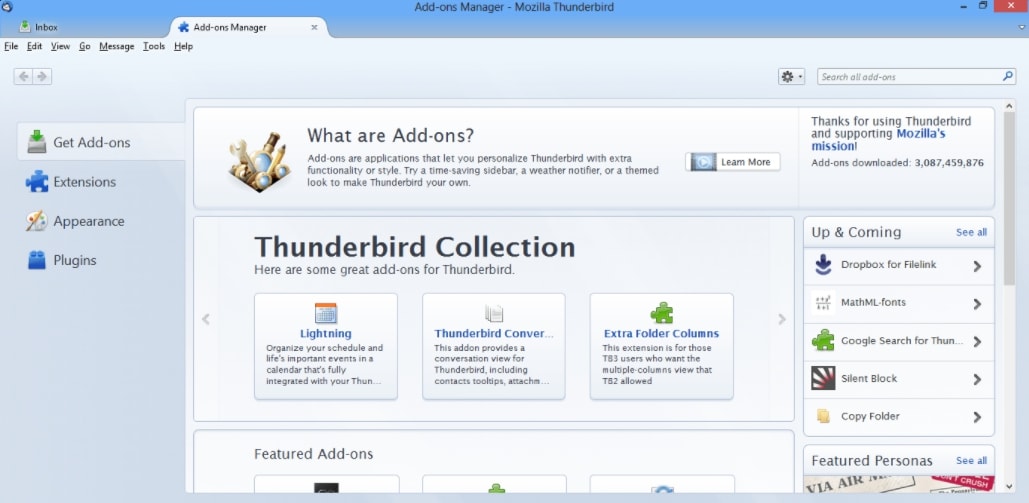
This is considered as an open-source email client that offers excellent features like anti-spamming filters and also RSS reader. It can also be customized easily in the sense that you can use it for multiple mail accounts.
2. SeaMonkey
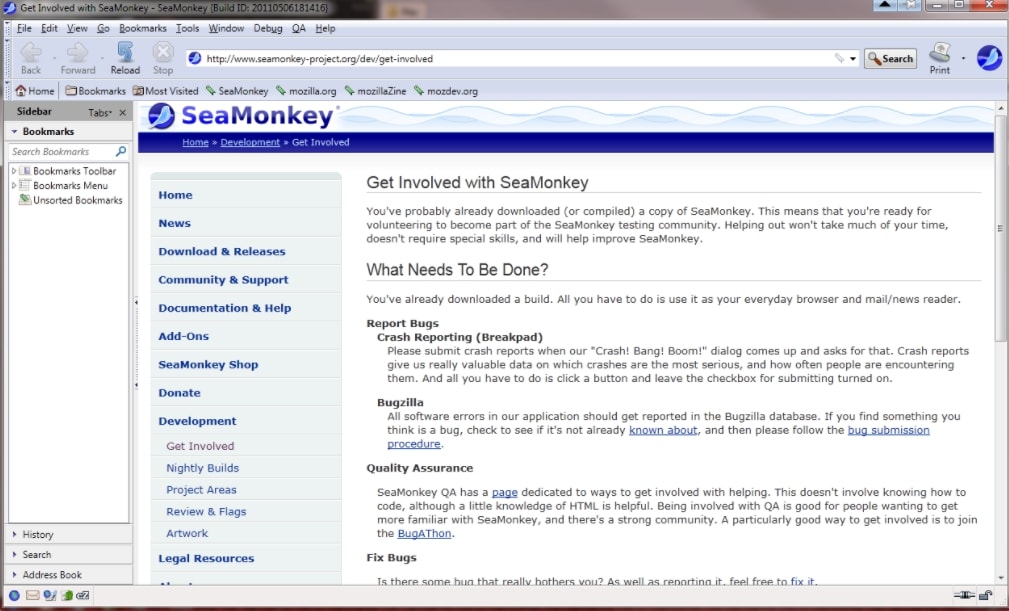
This alternative is considered as the right kind of open-source software that supports several mail accounts. It features a web browser and mail client at the same time. What’s more, it can be customized to suit your specific requirements.
3. PhoenixMail
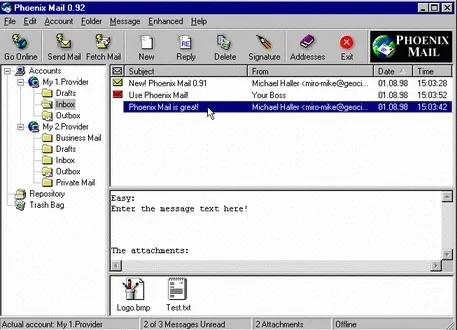
This also allows you to use numerous multiple mail accounts. It can also be adjusted to suit various operating systems depending on what you are using. And the best thing about it is that it offers its users a very user-friendly interface.
4. Zimbra Desktop
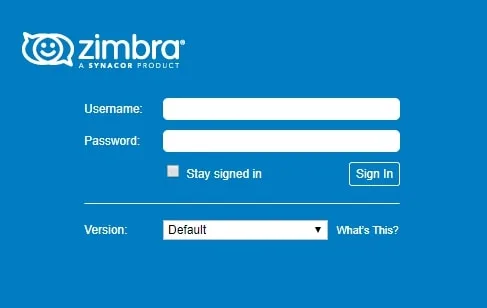
This alternative to Outlook is described by many as a very exceptional take on the desktop email application. The best feature of this email client is that it allows you to connect to a wide array of services, specifically social networking sites like Twitter and Facebook. It can even connect you to other email hosts such as Yahoo, Gmail, and others.
5. Spicebird
Note: Spicebird has been discontinued. Please check Mozilla Thunderbird.
This is said to be a collaboration designed over different open source software applications, particularly the Thunderbird and Mozilla platform. It is primarily intended to be used on Microsoft Windows and Linux. What makes this application different from others is the fact that it possesses all of the features one is looking for in a Microsoft Outlook alternative.
6. eM Client
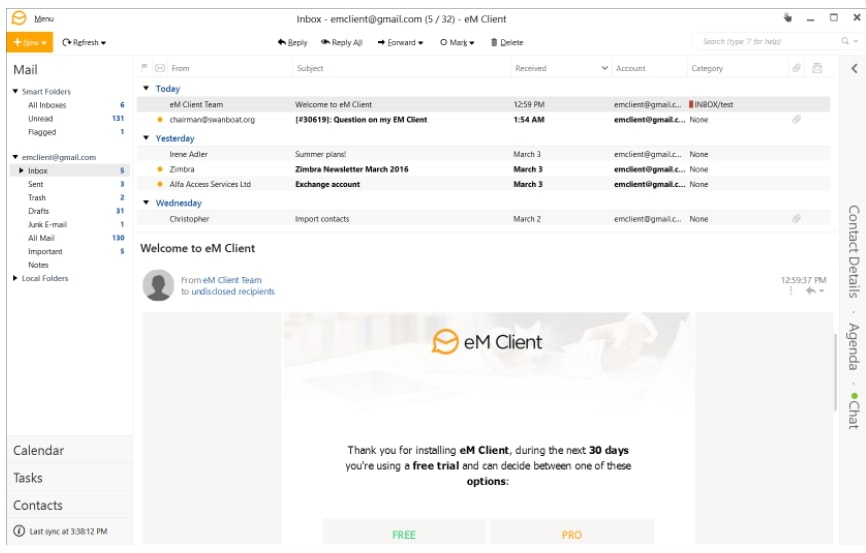
eM Client is designed to run on Windows 7, Windows Vista, and Windows XP. The beautiful thing about this email client is that it lets you connect to third-party email hosts such as Yahoo, Gmail, and others. It also features a full-featured calendar that can sync your Gmail calendar on our mobile device. It also allows you to share your contacts with other users without the need to connect eMClient to Exchange.
7. Claws Mail
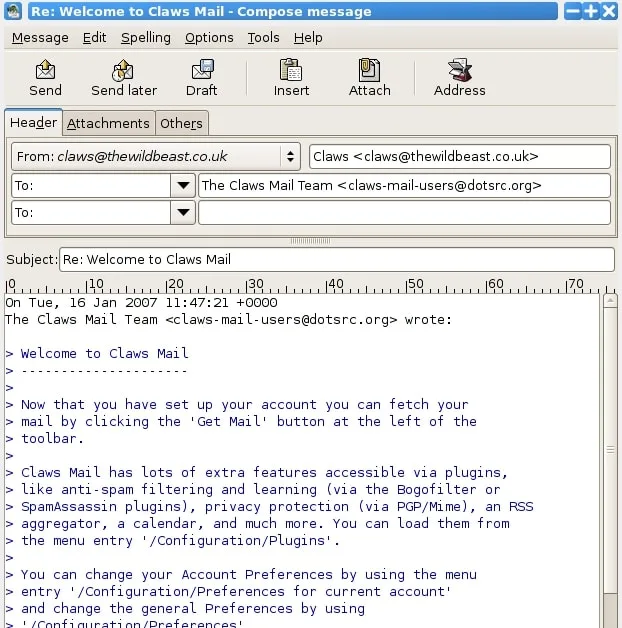
This is considered the most viable Outlook alternative. Why is it so? It is because it connects to Exchange, thereby allowing the businesses to find out several aspects of how they should manage their business. It also lets you share your calendars as well as contacts with others.
8. Pegasus Mail
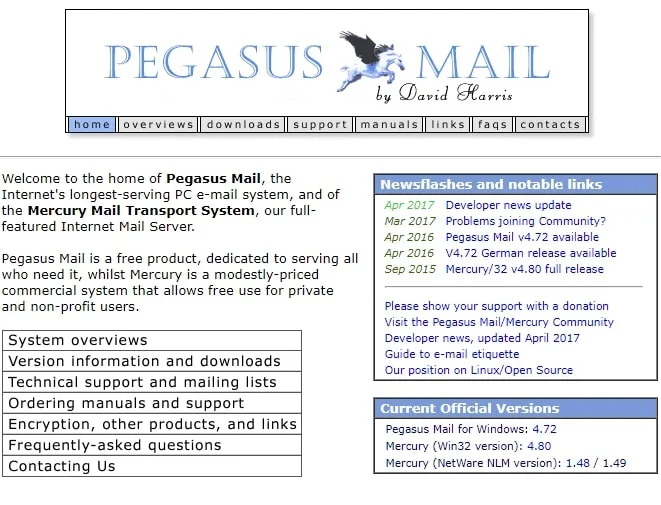
This is referred to as the oldest email application that is available. It provides you with an amazingly wealthy community and utmost stability, which is not available in other email clients. But compared to other email applications, it has a strict observance of standards.
9. Apple Mail + iCal
This known as the default email application used in computers that use Mac as their operating system. What makes this email client optimal is the fact that it allows you to shift your calendar functions to distinct applications. It also allows you to reorganize events by just dragging them using your mouse. What’s more, it incorporates with the Zimbra and Evolution email clients on the Apple systems.
10. Novell Evolution 2
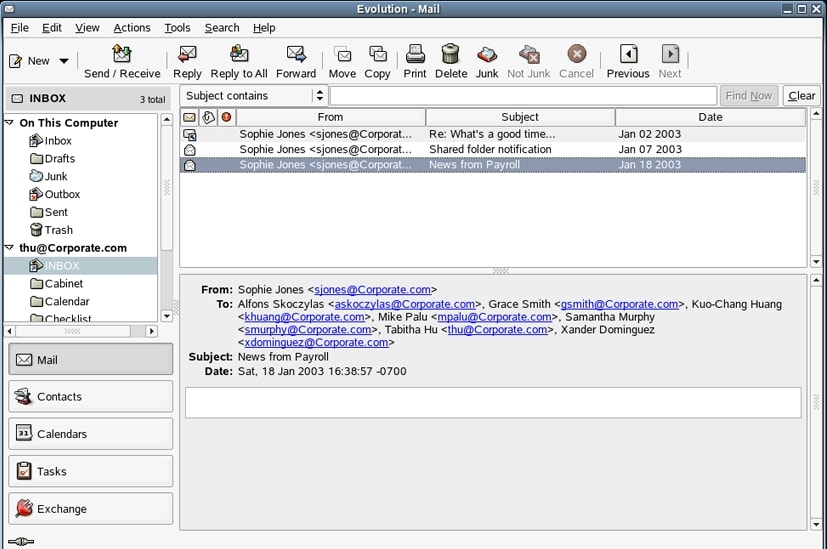
This can be a qualified replacement for Microsoft Outlook because it supports both tasks as well as memos. Ideally, this email client is designed for Linux systems. But what’s great about it is the fact that it offers search and filtering capabilities in a wide range of options.
11. Microsoft Entourage 2008
There are a lot of debates going on if Entourage can be an Outlook alternative. But many users agree that Entourage is part of Microsoft’s move to boost the interoperability of Microsoft Office. This email client has similar features with that of Outlook, although there are some slight differences as well, specifically on the interface.
These are 11 Microsoft Outlook alternatives that you can try if you do not want to use Microsoft Outlook as an email client.

Kuldeep Khatri
Cool Alternatives. I will try some of them. :)
Colin Pitts
That’s cool, and some of them I even didn’t hear about, I’ll have a look, and if only about the customer management part, EfficientPIM Pro might be a good choice, and also have a free edition.
Mamun Khan
Nice blog.
George Kitsos
Very useful information you have mentioned thank you so much.