




What’s life like in coding, you ask? Well, besides one hundred new ideas a minute, we’re always ready to jump on something that looks like it’ll help us be more productive, create better code, and just generally work smarter rather than harder.
In the past, I’ve found myself experimenting with dozens of apps, utilities, and platforms each year. In recent months, there’s been one subscription offering, Setapp, that has blown my mind with its hand-picked library of developer-focused software.
It’s the difference between having a toolbox in a digital suite versus searching for each tool and its license. So I thought I would highlight some of the best coding tools on Setapp that have really become essentials in my daily grind.
Best Coding Tools on Setapp: My Top Picks for Mac Devs
1. CodeRunner
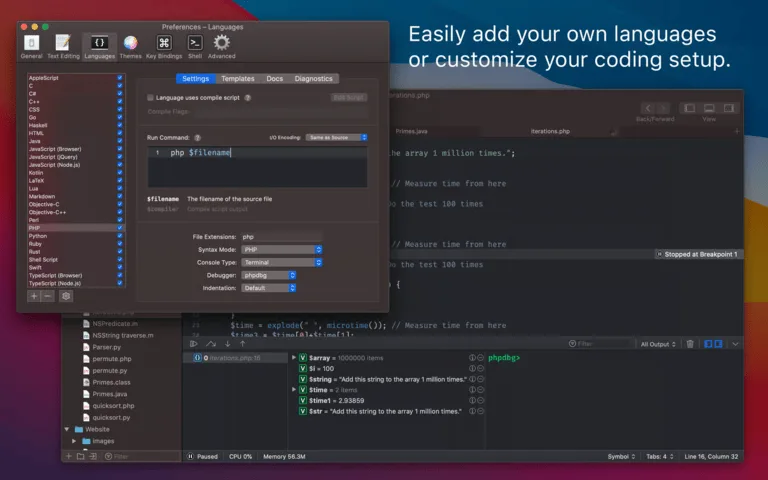
I really can’t describe how many times I’ve been in the position of wanting to quickly test a small snippet of code in a language I may not be working in that day. To have to open a full IDE or create/set up a new project every time you want to write/test a 5-line snippet is beyond overkill. That’s where CodeRunner comes in.
It’s extremely lightweight, it supports a huge number of languages (everything from Python to Swift, Go to JavaScript), and it runs code in real-time. For me, it’s ideal for:
- Algorithm transparency and engagement.
- Grasping unfamiliar language syntax, all while learning.
- Debugging small functions while not under the full project burden.
It’s a real timesaver, keeping those “just checking” times from devolving into a 30-minute detour of environmental setup.
2. TablePlus
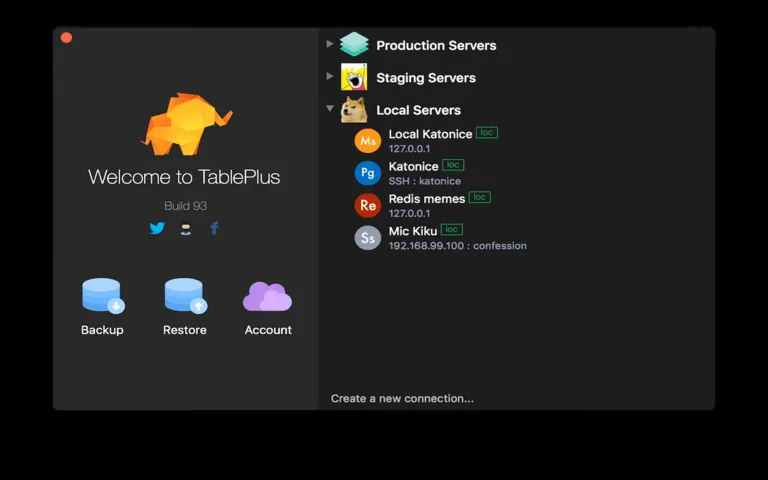
I know that working with databases can be a real pain in the keister. Clunky user interfaces, bad connectivity, or simply too much visual information can slow you up.
I usually had to jump to different database clients all the time. TablePlus has made everything unified and concise for me.
It supports just about every major relational database, and even a few NoSQL ones. What I’m personally excited about is the beautiful, clean interface and speed.
Querying data, editing tables, and structuring tables all seem straightforward and approachable. The biggest change for me has been how much less frustrated I am when doing database-related work because now I’m able to concentrate on the data, not the tool.
3. Dash
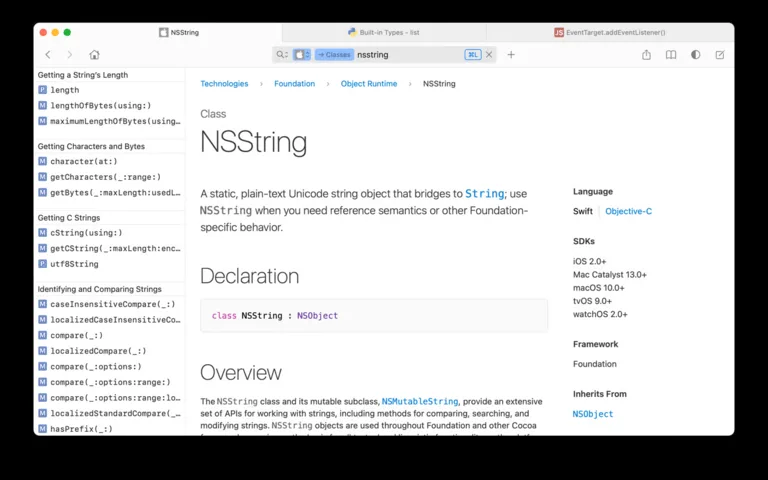
Ever been away from an internet connection and needed to look up a function’s parameters, or how a framework’s method signature looks?
That’s when Dash came on board. It’s an API documentation browser that allows you to download documentation sets for almost any language, library, or framework you can imagine.
Knowing I have all that information offline means I can code on a flight, during a commute, or when my internet connection chooses to go on holiday.
It’s a basic concept, but let me tell you, the difference it has made in my productivity has been huge. No more desperate Googling, just answers at the ready.
Why Setapp Makes Sense for Me
The great thing about having these tools (and all of the others mentioned) available within a single Setapp subscription is that it allows you to explore them without the pressure of a commitment. I didn’t have to purchase each one of these apps separately.
I could check them out, find out how they would integrate with my current workflow, and start using them if they brought real value. This freedom for experimentation has opened the door for me to find these tools that I would have never otherwise invested the time into finding, transforming my coding experience into one that’s more efficient and, frankly, more enjoyable.
Final Thoughts
So, if you’re a Mac developer in search of a leaner toolkit or just want to find some really helpful apps to work with, I strongly suggest checking out the developer section on Setapp, and you can do it on a 30-day free trial through our link instead of the standard seven days. You may discover your soon-to-be favorite coding assistant.

durga
your blog so excellent ,beautiful site very nice lines